Welcome, Apple!
Learn more about the partnership with Rally Reader and create your demo classroom using the form below.

HOW IT WORKS
Setting up a demo classroom
Setting up a demo classroom in Rally Reader is easy! Follow the steps below to get started, today. For questions or for additional help, email apple@rallyreader.com.

Create your demo class
Create a demo classroom by entering your information in the form, below.

Sign in to Rally
Download the Rally Reader app from the App Store and login using the link sent to your email.

Host sales demos
Host engaging sales demos! Add customers as ‘students’ to your class using your classroom code.
THE RALLY BENEFIT
Rally Reader for schools
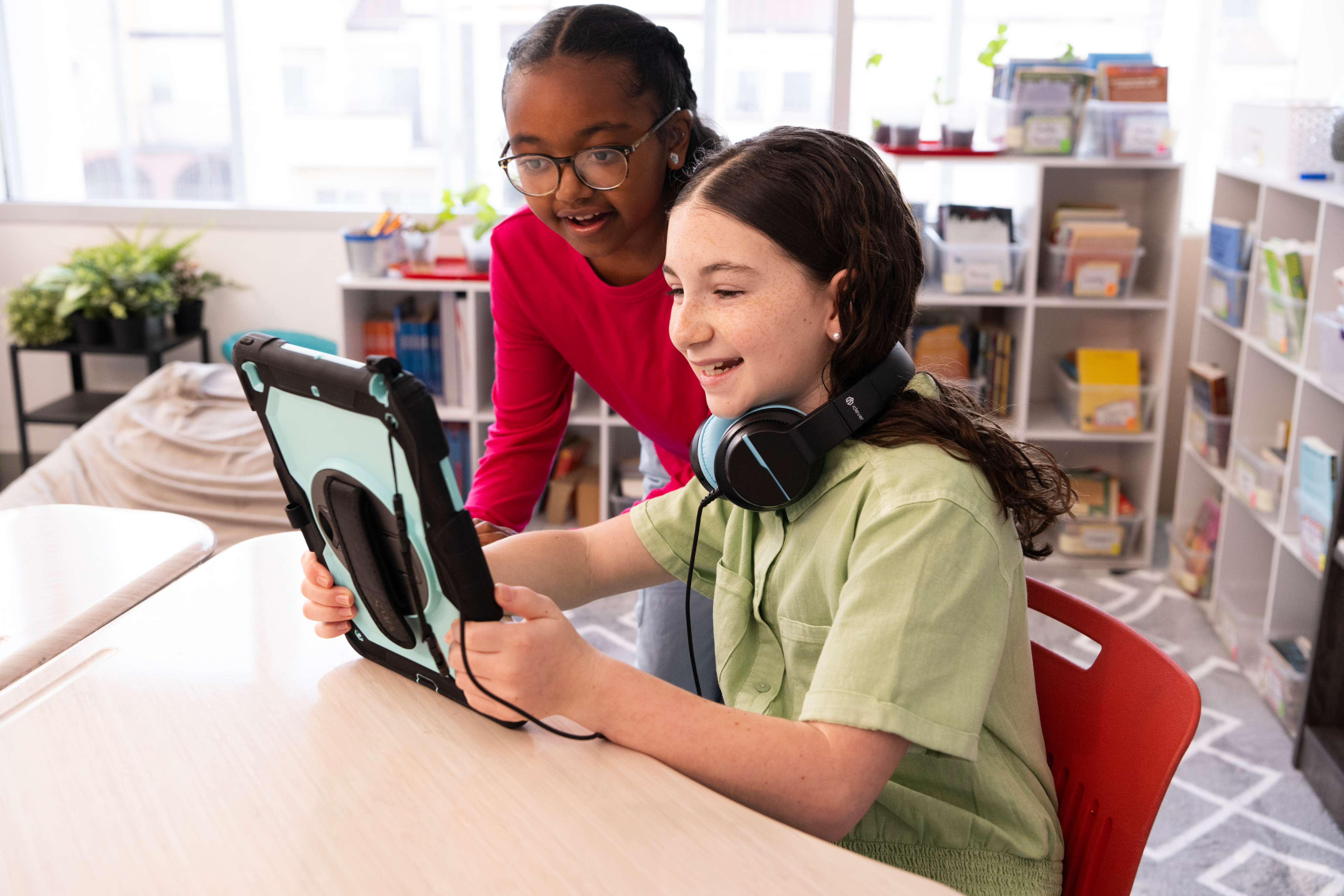
Rally Reader is the new, no-pressure way to boost reading fluency. Rally provides real-time error correction with a built-in AI reading coach embedded in the books kids want to read. Rally Reader’s dashboard provides individualized data that can help teachers identify trends to inform targeted instruction around phonemic awareness and fluency skills.

Want to connect with a member of our team?